

Digital fleet management has become essential to operating a modern trucking or transportation business. Fleets face higher fuel expenses, stricter compliance requirements, rising maintenance costs, driver shortages, safety concerns, and increasing pressure to provide customers with accurate delivery information. Managing these processes through spreadsheets, paper records, phone calls, and disconnected applications makes it difficult to maintain control as a fleet grows.
A digital fleet management system brings operational information into a connected environment where managers can monitor vehicles, drivers, compliance, fuel consumption, inspections, safety events, and fleet performance. However, simply adopting new software does not automatically improve operations. Companies need clear processes, reliable data, measurable performance indicators, and consistent employee adoption.
The following digital fleet management best practices can help trucking companies build more efficient, connected, and scalable operations.
What Is Digital Fleet Management?
Digital fleet management uses connected software, telematics, mobile applications, electronic logging devices, GPS tracking, sensors, cameras, and data analytics to manage commercial vehicles and drivers.
Instead of relying on multiple manual systems, fleet managers can use digital tools to monitor operations and make decisions based on current information.
A modern digital fleet management environment may include:
- GPS fleet and asset tracking;
- electronic logging devices (ELD);
- hours of Service management;
- digital vehicle inspections;
- fuel monitoring;
- preventive maintenance tools;
- driver management;
- dash cameras and video telematics;
- fleet reporting and analytics;
- IFTA reporting;
- mobile applications;
- API integrations with other business systems.
The goal isn’t simply to collect more data. The real value comes from turning fleet information into actions that reduce operating costs, improve safety, simplify compliance, and increase vehicle utilization.
1. Centralize Fleet Data in One Management Platform
One of the most important fleet management best practices is reducing the number of disconnected systems used across an organization.
A company may use one application for GPS tracking, another for driver logs, a spreadsheet for maintenance, paper forms for inspections, and a separate accounting system for fuel expenses. When these tools don’t communicate, employees spend time manually transferring information between systems.
Centralizing fleet data creates a more consistent operational picture.
Fleet managers can review information about:
- drivers;
- trucks;
- trailers and assets;
- routes;
- Hours of Service;
- inspections;
- fuel consumption;
- maintenance;
- safety events.
A centralized fleet management system can also reduce duplicate data entry and make it easier for different departments to work with the same information.
For growing companies, this becomes increasingly important. Processes that work for ten vehicles may become difficult to manage when a fleet expands to 50, 100, or several hundred units.
2. Use Real-Time GPS Tracking and Telematics
Real-time fleet visibility is a foundation of digital fleet management.
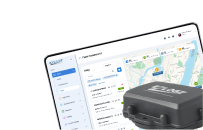
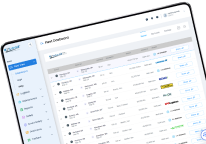
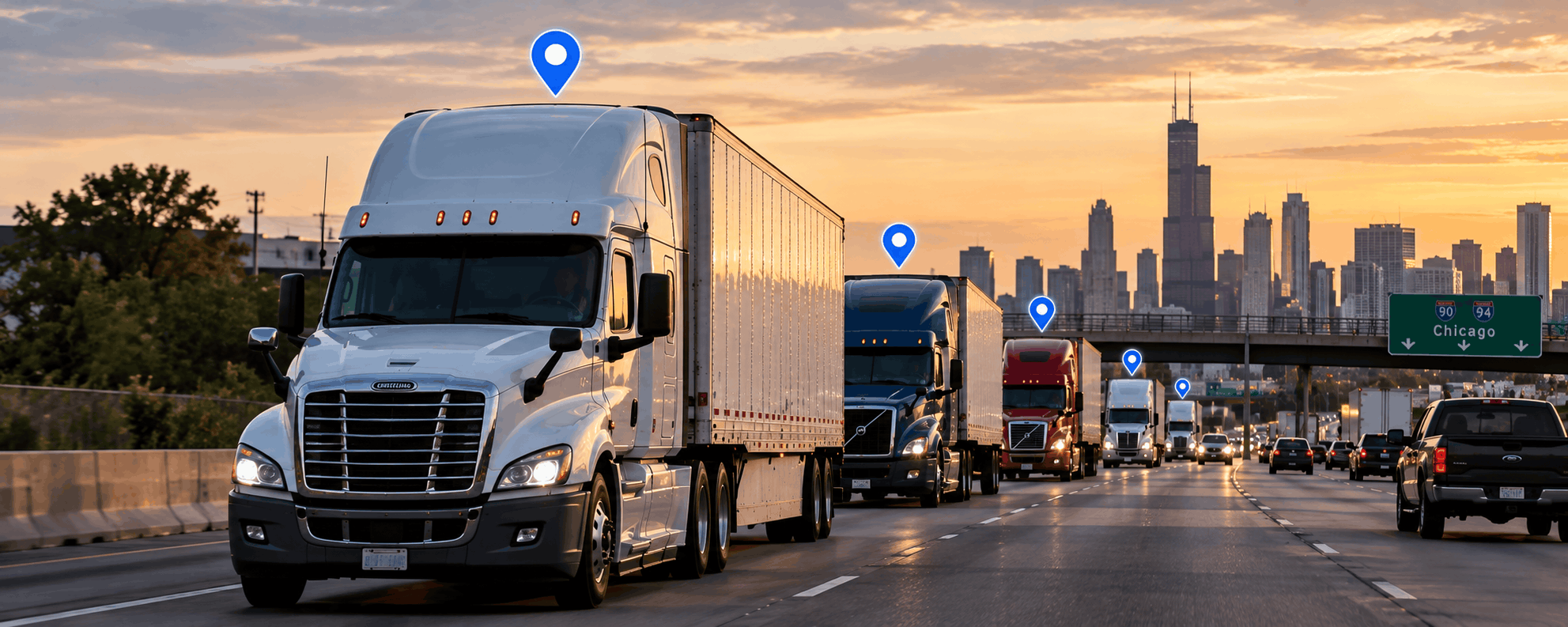
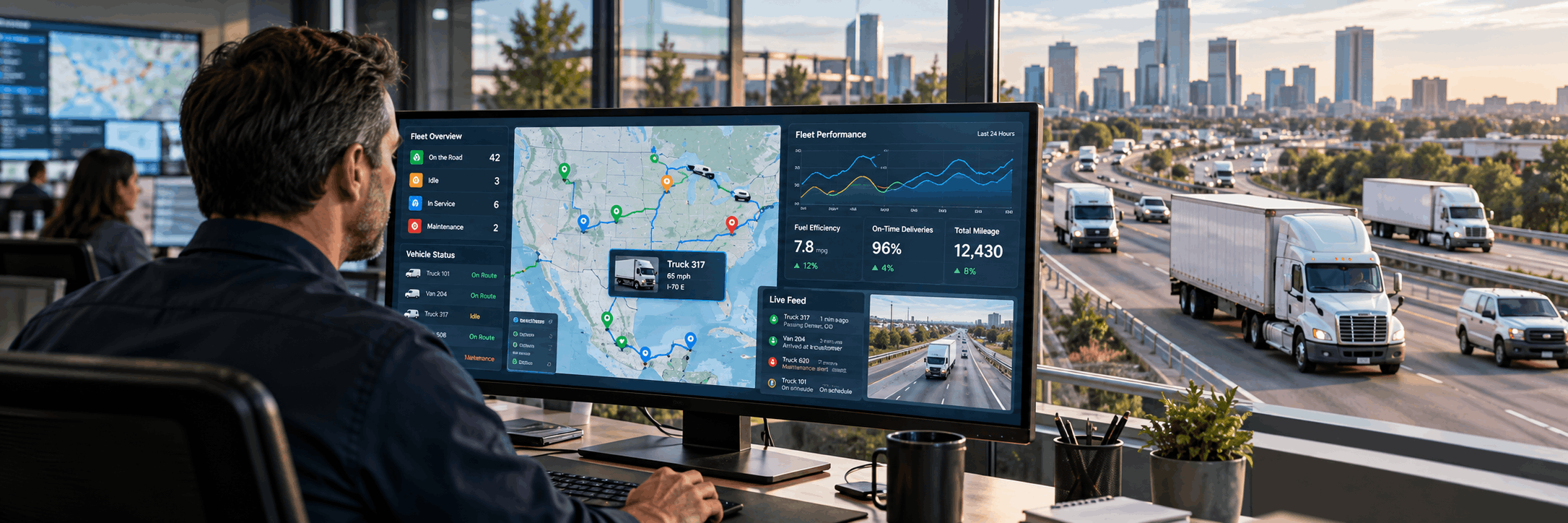
GPS and telematics systems let managers see where vehicles and assets are and how they are being used. Instead of calling drivers for location updates, dispatch teams can monitor movement through a fleet management dashboard.
Real-time tracking can help companies:
- improve dispatching;
- monitor routes;
- reduce unnecessary mileage;
- identify excessive idle time;
- estimate arrival times;
- monitor unauthorized vehicle use;
- locate trailers and other assets;
- respond more quickly to operational disruptions.
Turn GPS Data Into Operational Decisions
Tracking vehicles on a map is only the first step.
Fleet managers should analyze GPS information to identify trends. For example, repeated route deviations may indicate inefficient planning, while long idle periods can highlight opportunities to reduce fuel consumption.
Managers can compare planned routes with actual vehicle activity and identify locations where delays frequently occur.
Geofencing can provide another layer of automation. Managers can create virtual boundaries around terminals, customer locations, warehouses, job sites, or restricted areas. The system can then record or trigger events when vehicles enter or leave those locations.
3. Automate ELD and Compliance Management
Commercial fleets operate in an environment where compliance records must be accurate and accessible.
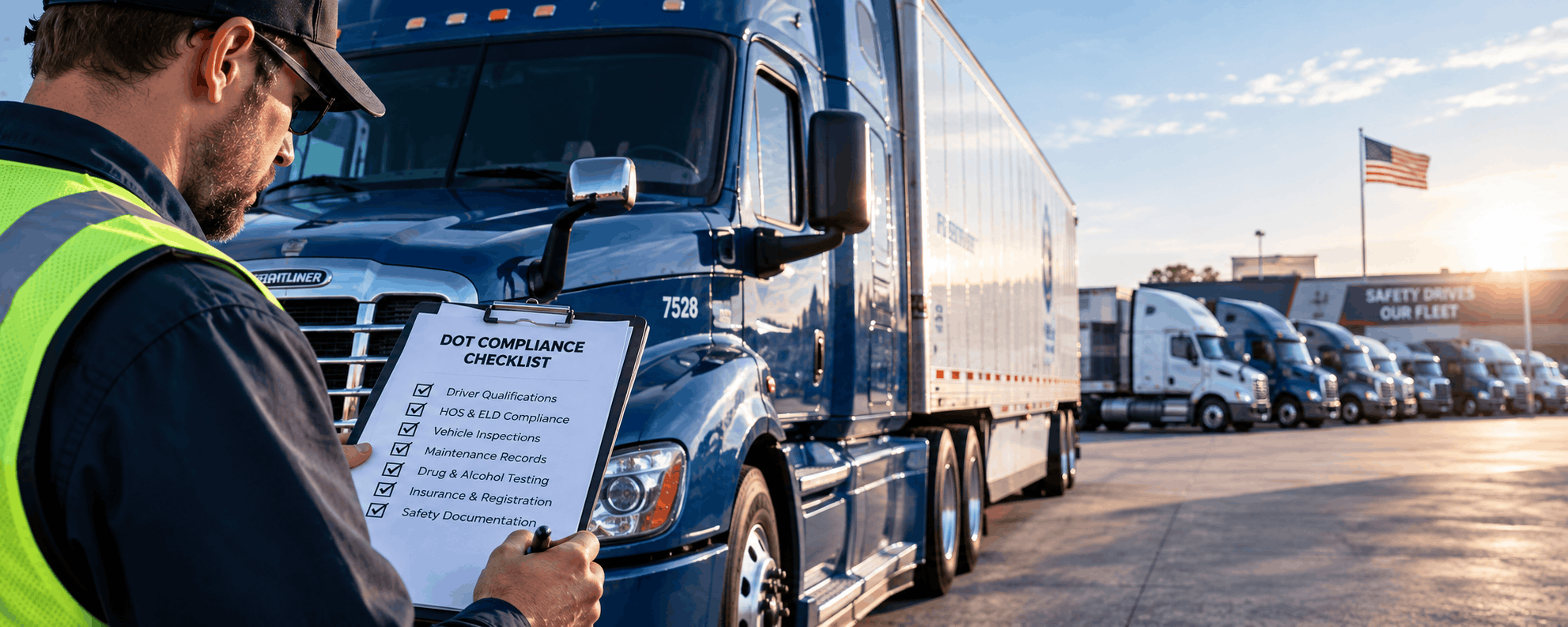
Electronic logging devices help digitize driver Hours of Service information and reduce dependence on paper logs. Fleet managers gain better visibility into available driving time and can make dispatch decisions without constantly contacting drivers.
Digital compliance management can also simplify record organization for audits and roadside inspections.
An effective compliance workflow may include:
- electronic driver logs;
- Hours of Service monitoring;
- violation alerts;
- driver documentation;
- vehicle inspection records;
- IFTA mileage information;
- compliance reporting.
Digitize DVIR and IFTA Processes
Digital Driver Vehicle Inspection Reports can make daily vehicle inspections easier to document and manage.
Drivers can record inspection information electronically, while fleet and maintenance teams can review reported defects without waiting for paper forms to reach the office.
Digital fleet data can also support IFTA reporting. GPS mileage records can help companies calculate distance traveled across jurisdictions and reduce manual mileage tracking during fuel-tax reporting.
Automating these processes helps fleet managers spend less time collecting paperwork and more time addressing operational issues.
4. Establish Clear Fleet KPIs
Digital fleet management systems can generate large amounts of information. However, tracking every available metric does not necessarily improve performance.
Fleet managers should define a smaller group of key performance indicators connected to specific business objectives.
| Fuel consumption | Operating efficiency |
| Idle time | Fuel waste and productivity |
| Vehicle utilization | Asset efficiency |
| Mileage | Vehicle usage and service planning |
| HOS violations | Compliance performance |
| Safety events | Driver risk |
| Maintenance frequency | Vehicle reliability |
| Cost per mile | Overall operating efficiency |
The most useful KPIs depend on the fleet.
A delivery company may focus heavily on route efficiency and vehicle utilization. In contrast, a long-haul trucking company may place greater emphasis on fuel cost per mile, Hours of Service, and maintenance.
Managers should also evaluate trends, not isolated events. One unusual fuel transaction or harsh braking event may not indicate a major problem. Repeated patterns across weeks or months provide more useful information.
5. Use Digital Tools to Reduce Fuel Costs
Fuel is one of the largest variable expenses for many commercial fleets, making fuel management a natural priority for digital transformation.
Fleet technology can help managers examine fuel consumption together with vehicle location, mileage, routes, driver activity, and idle time.
Potential sources of unnecessary fuel consumption include:
- excessive idling;
- inefficient routing;
- unnecessary mileage;
- aggressive acceleration;
- inconsistent vehicle performance;
- poor maintenance;
- unauthorized fuel activity.
Instead of evaluating fuel expenses only at month-end, managers can continuously monitor trends and spot unusual patterns.
Combine Fuel and GPS Data
Fuel information becomes more useful when it is connected with telematics data.
For example, a manager may see that one vehicle consumes significantly more fuel than comparable trucks. GPS and operational data may help determine whether the cause is excessive idling, route conditions, driver behavior, or a possible maintenance issue.
The objective should be to understand why costs are changing, not simply to record total spend.
6. Make Preventive Maintenance Data-Driven
Reactive maintenance is expensive because repairs often occur after a vehicle has already failed.
Digital fleet management helps companies shift toward preventive and condition-based maintenance.
Maintenance schedules can be connected to:
- mileage;
- engine hours;
- inspection results;
- vehicle age;
- service history;
- manufacturer intervals.
Fleet managers can create reminders for upcoming service and maintain digital records for each vehicle.
Historical maintenance data can also reveal recurring problems. If the same repair appears repeatedly on a particular truck, managers can investigate whether a larger mechanical issue exists.
Connect DVIRs With Maintenance Workflows
Digital vehicle inspections can provide maintenance teams with important information.
When a driver reports a defect through a digital DVIR, the issue can be documented and reviewed more quickly. Maintenance personnel can prioritize repairs and maintain a clearer history of reported problems.
Connecting inspections and maintenance reduces the risk that drivers’ defect reports are overlooked or lost in paperwork.
7. Improve Driver Safety With Video Telematics
Driver safety is another important component of digital fleet management.
Dash cameras and video telematics provide context that traditional GPS information cannot always deliver. When a safety event occurs, video can help managers understand what happened before, during, and after the incident.
Depending on the technology being used, safety systems may help identify events such as:
- harsh braking;
- rapid acceleration;
- unsafe following distance;
- distracted driving;
- unusual vehicle movement.
Video information can then support incident investigation and driver coaching.
Use Safety Data for Coaching, Not Only Monitoring
A successful safety program should focus on improving driver behavior rather than simply collecting violations.
Fleet managers can use telematics and video data to identify patterns and provide targeted coaching. Drivers who repeatedly experience the same type of event may need additional training, while drivers with consistently strong safety performance can be recognized.
Clear policies are also important. Drivers should understand what information is collected, how it is used, and how performance is evaluated.
8. Automate Routine Fleet Management Tasks
Fleet managers spend significant time on repetitive administrative work.
Automation can reduce this burden by allowing digital systems to handle routine notifications and data processing.
Examples include:
- maintenance reminders;
- compliance alerts;
- inspection notifications;
- HOS warnings;
- geofence events;
- vehicle status updates;
- scheduled reports;
- document reminders.
Automation doesn’t aim to remove human decision-making. Instead, it lets managers focus on exceptions and problems that require intervention.
However, too many alerts can create another problem. If employees receive dozens of unnecessary notifications each day, they may eventually ignore important alerts.
Companies should configure alerts according to operational priorities.
9. Integrate Fleet Software With Other Business Systems
Digital fleet management becomes more powerful when fleet information is connected with the rest of the business.
Trucking companies may already use systems for:
- transportation management;
- dispatch;
- accounting;
- customer relationship management;
- enterprise resource planning;
- maintenance;
- payroll.
When fleet systems operate independently, employees may need to enter the same information several times.
Integrations can improve data consistency and reduce manual work.
Use Fleet Management APIs
APIs allow different business systems to exchange information.
Depending on the available integration, fleet data such as vehicle location, driver information, mileage, HOS status, or reporting data can be transferred between platforms.
For example, GPS information may connect to a transportation management system so dispatchers and customer-service teams can work with current vehicle locations.
For larger fleets, consider integration capability during the software-selection process rather than adding it as an afterthought.
10. Protect Fleet Data and Control User Access
As fleet operations become more digital, companies must also manage access to operational information.
Different employees usually require different levels of access. A driver may need access to logs and inspections, while a fleet administrator may need broader access to reports, vehicles, and driver information.
Basic data-management practices should include:
- role-based access;
- strong account credentials;
- regular software updates;
- controlled administrator permissions;
- periodic user-account reviews;
- removal of access when employees leave;
- review of third-party integrations.
Companies should also understand how their fleet technology providers store and protect operational data.
11. Train Drivers and Fleet Managers
Technology only creates value when employees use it correctly.
A company may invest in GPS tracking, ELDs, cameras, and advanced analytics, but poor adoption can prevent these systems from delivering meaningful results.
Drivers should receive practical training on:
- ELD operation;
- mobile applications;
- vehicle inspections;
- document submission;
- communication workflows;
- safety technology.
Fleet managers need different training. They should understand how to interpret reports, configure alerts, evaluate KPIs, and use historical data to make decisions.
Introduce New Technology Gradually
Large digital-transformation projects can become difficult when companies try to change every workflow at once.
A more practical approach is to begin with high-priority processes.
For example:
- Introduce GPS and ELD management.
- Standardize digital inspections.
- Establish fleet KPIs.
- Add fuel and maintenance workflows.
- Integrate additional business systems.
- Expand reporting and automation.
This lets employees adapt while managers measure whether each stage delivers the expected results.
12. Review Fleet Performance Regularly
Digital fleet management is not a one-time implementation project.
Fleet managers should regularly review performance and identify areas to improve operational processes.
Periodic reviews may include:
- fuel efficiency;
- vehicle utilization;
- maintenance costs;
- compliance;
- safety;
- driver performance;
- operating cost per mile;
- route efficiency.
Comparing current results with previous periods helps managers determine whether changes are producing measurable improvements.
A fleet management strategy should evolve as the company grows, new vehicles are added, customer requirements change, and new technology becomes available.
Common Digital Fleet Management Mistakes to Avoid
Even advanced fleet technology can produce poor results when implementation is inconsistent.
Common mistakes include:
- Using too many disconnected applications. Multiple isolated platforms can create duplicate work and fragmented information.
- Collecting data without defining KPIs. More information doesn’t automatically lead to better decisions.
- Ignoring driver training. Drivers are critical participants in digital fleet workflows.
- Relying on reactive maintenance. Waiting for breakdowns increases downtime and repair costs.
- Failing to integrate business systems. Important fleet data can remain trapped in separate applications.
- Creating excessive alerts. Too many notifications can cause employees to ignore important events.
- Ignoring data quality. Incorrect vehicle, driver, or asset information can make reports unreliable.
- Choosing technology that cannot scale. Fleet-management requirements often become more complex as the business grows.
How to Build a Digital Fleet Management Strategy
A structured implementation process can make digital transformation easier to manage.
Step 1: Audit Existing Fleet Processes
Identify how you currently manage vehicles, drivers, maintenance, fuel, inspections, and compliance.
Look for processes that rely heavily on spreadsheets, paper forms, emails, or repeated manual data entry.
Step 2: Define Business Objectives
Connect technology decisions to measurable goals.
Objectives may include:
- reducing fuel consumption;
- improving driver safety;
- lowering maintenance costs;
- reducing administrative work;
- increasing vehicle utilization;
- improving compliance;
- improving customer visibility.
Step 3: Select the Required Technologies
Determine which capabilities the fleet needs.
A company may need GPS tracking, ELDs, dash cameras, digital DVIRs, fuel management, IFTA reporting, or API integrations.
Step 4: Integrate Fleet Data
Where possible, connect fleet information with dispatch, accounting, TMS, ERP, or other operational systems.
Step 5: Define KPIs
Establish a baseline and decide which metrics will measure progress.
Step 6: Train Employees
Create consistent operating procedures and provide practical training for drivers, administrators, dispatchers, and managers.
Step 7: Measure and Optimize
Review performance regularly and adjust workflows when data reveals new opportunities.
Choosing the Right Digital Fleet Management Platform
When comparing fleet management technology, companies should evaluate more than individual features.
A scalable platform should support the operational processes that matter today while providing room for future fleet growth.
Important capabilities may include:
- real-time GPS visibility;
- ELD and HOS management;
- mobile access;
- asset tracking;
- video telematics;
- digital vehicle inspections;
- fuel-management tools;
- reporting and analytics;
- API integrations;
- user-access controls;
- scalable fleet administration;
- technical and customer support.
Integration is particularly important. A fleet that depends on several disconnected products may eventually spend more time managing software than improving operations.
Building a More Connected Fleet With EZLOGZ
EZLOGZ provides digital fleet-management technology designed to help trucking and transportation companies connect important operational processes through a unified ecosystem.
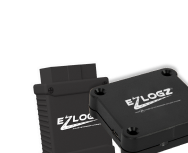
Fleet operators can use solutions for ELD compliance, GPS and asset tracking, SmartCam video telematics, digital DVIR workflows, IFTA reporting, fuel management, fleet monitoring, and system integrations.
Bringing these capabilities together gives managers greater visibility into vehicles, drivers, compliance, safety, and operating performance while reducing dependence on fragmented manual processes.
Digital fleet management is ultimately about making fleet information easier to access and easier to act on. Companies that centralize their data, automate routine processes, establish clear KPIs, train employees, and continuously review performance are better positioned to control costs and manage growth.
Request an EZLOGZ demo to explore how connected fleet-management technology can support your daily operations.
FAQ:
Digital fleet management uses connected technologies such as GPS tracking, ELDs, telematics, mobile applications, dash cameras, digital inspections, and analytics to manage vehicles, drivers, compliance, maintenance, safety, and operating performance.
The main benefits include better fleet visibility, lower administrative workload, improved compliance, stronger driver safety programs, more efficient maintenance, better vehicle utilization, and greater control over fuel and operating costs.
Common technologies include GPS fleet tracking, ELD systems, telematics devices, dash cams, digital DVIR tools, fuel management systems, maintenance software, mobile apps, reporting platforms, and API integrations.
GPS tracking gives fleet managers real-time visibility into vehicle and asset locations. It can help improve dispatching, route planning, geofencing, vehicle utilization, idle-time monitoring, and estimated arrival times.
Fleet management technology can identify excessive idling, unnecessary mileage, inefficient routes, unusual fuel consumption, and driving behaviors that increase fuel use. Combining fuel and GPS data helps managers identify where savings may be possible.
Important KPIs may include fuel consumption, cost per mile, idle time, vehicle utilization, mileage, HOS violations, safety events, maintenance frequency, and driver performance. The most relevant metrics depend on the fleet’s operational goals.
Digital tools can simplify ELD records, Hours of Service monitoring, DVIR documentation, IFTA mileage tracking, inspections, and compliance reporting. Automated alerts can also help managers identify potential compliance issues earlier.
Telematics and video systems can provide data about safety-related events such as harsh braking, rapid acceleration, and other driving patterns. Fleet managers can use this information for incident review, targeted coaching, and improved driver performance.
Yes. Fleet management platforms can use APIs and other integrations to exchange data with transportation management systems, ERP software, CRM platforms, accounting systems, dispatch tools, and maintenance applications. This can reduce duplicate data entry and create a more connected operating environment.