

Managing a modern commercial fleet involves much more than knowing where vehicles are and whether drivers are on schedule. Fleet managers must coordinate compliance, safety, maintenance, fuel consumption, driver performance, dispatching, inspections, reporting, and vehicle utilization—all while controlling operating costs.
Digital fleet management helps bring these responsibilities into a more connected system.
Instead of relying on spreadsheets, paper records, phone calls, and separate software platforms, fleets can use digital tools to collect operational data, automate routine tasks, improve visibility, and make faster decisions.
The challenge is knowing where to begin.
This digital fleet management checklist covers the most important areas fleet operators should review when modernizing their operations.
What Is Digital Fleet Management?
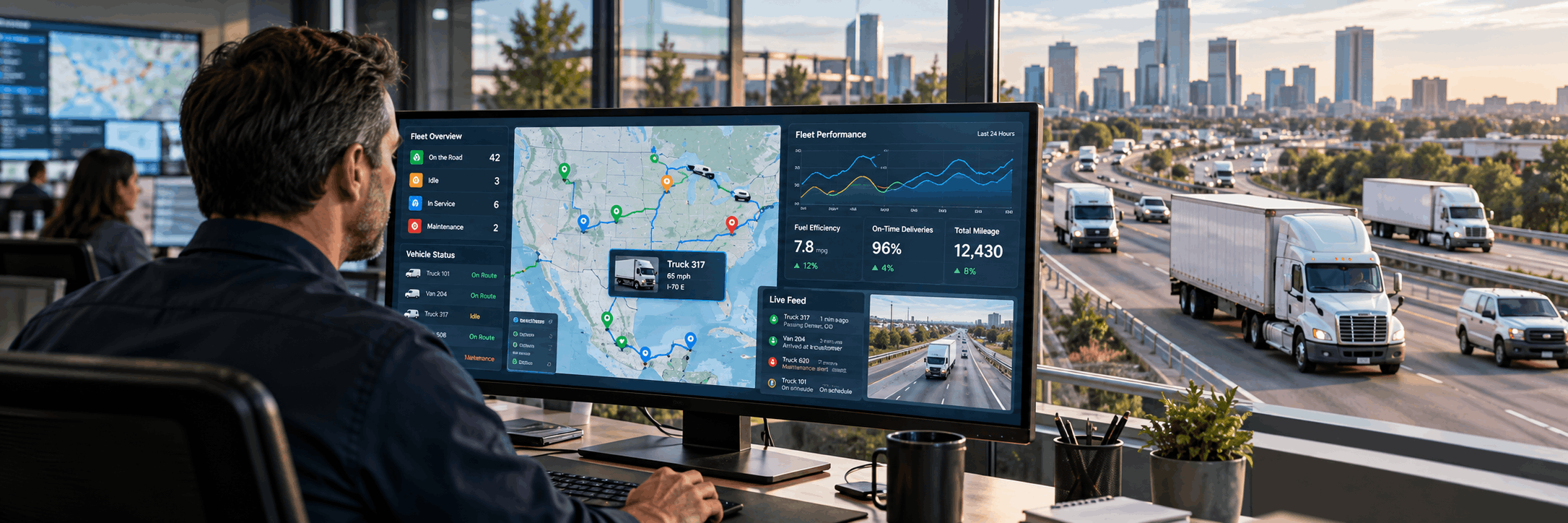
Digital fleet management is the use of connected technologies to monitor, manage, and optimize commercial vehicles, drivers, assets, and fleet operations.
A digital fleet ecosystem may include:
| Technology | Primary Purpose |
|---|---|
| Electronic Logging Devices (ELDs) | Record Hours of Service and driver duty status |
| GPS tracking | Monitor vehicle locations and routes |
| Fleet telematics | Collect vehicle and driving behavior data |
| Driver Vehicle Inspection Reports (DVIRs) | Digitize vehicle inspections and defect reporting |
| Video telematics | Add visual context to safety and driving events |
| Fuel monitoring | Track fuel use, purchases, and efficiency |
| Maintenance management | Schedule and track preventive maintenance and repairs |
| Asset tracking | Monitor trailers, equipment, and other fleet assets |
| IFTA reporting tools | Support fuel-tax reporting and mileage calculations |
| Driver safety monitoring | Identify unsafe driving patterns and coaching opportunities |
| Fleet analytics and reporting | Turn operational data into measurable performance insights |
| Automated alerts and notifications | Notify teams about important fleet events |
Effective digital fleet management helps transform fleet data into useful information that managers can use to improve efficiency, compliance, safety, and operational performance.
Why Digital Fleet Management Matters
Fleet operations generate large amounts of information every day.
Vehicles produce location and diagnostic data. Drivers generate Hours of Service records, inspection reports, and safety events. Fuel purchases create transaction data. Maintenance departments track repairs, parts, and service intervals.
When this information is stored in separate systems, fleet managers may spend significant time finding, comparing, and manually processing data.
A more connected digital fleet management strategy can help create better visibility across the entire operation.
It can also make it easier to identify problems before they become more expensive.
For example, digital fleet systems may help managers identify:
| Potential Issue | Why It Matters |
|---|---|
| Excessive idling | Can increase fuel consumption and operating costs |
| Repeated speeding events | May indicate elevated safety risk |
| Vehicles approaching maintenance intervals | Helps teams schedule service before problems develop |
| Unusual fuel consumption | May indicate inefficiency, mechanical issues, or unauthorized activity |
| Hours of Service compliance issues | Helps compliance teams address potential violations |
| Underused vehicles | Can reveal opportunities to improve fleet utilization |
| Recurring inspection defects | May indicate persistent maintenance problems |
| Unexpected vehicle downtime | Can disrupt routes, deliveries, and fleet availability |
The following checklist can help fleets evaluate whether their digital operations are covering the areas that matter most.
1. Centralize Fleet Information
One of the first steps in digital fleet management is reducing information fragmentation.
If dispatch data is stored in one system, ELD records in another, maintenance information in spreadsheets, and fuel reports somewhere else, it becomes harder to understand overall fleet performance.
Fleet managers should look for ways to centralize or integrate operational information.
Important data may include:
| Fleet Data | What It Helps Manage |
|---|---|
| Driver records | Driver status, documentation, and operational history |
| Vehicle information | Vehicle identification and fleet status |
| ELD data | Hours of Service and compliance |
| GPS locations | Vehicle position and route activity |
| Inspection reports | Vehicle defects and inspection history |
| Maintenance history | Repairs, service intervals, and maintenance trends |
| Fuel activity | Consumption, purchases, and efficiency |
| Safety events | Driver behavior and safety performance |
| Asset information | Trailers, equipment, and non-powered assets |
| Compliance records | Regulatory documentation and audit readiness |
A centralized approach can reduce duplicate data entry and give managers a more complete view of fleet operations.
2. Establish Real-Time Vehicle Visibility
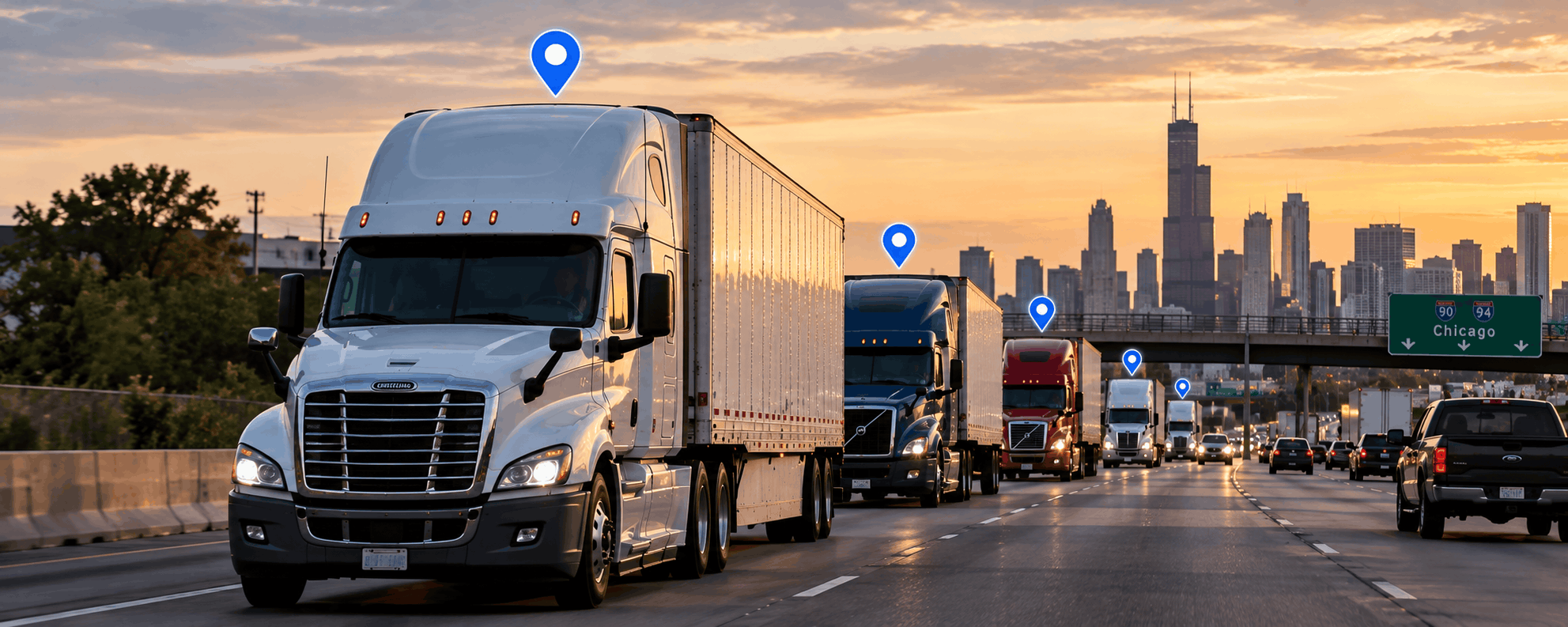
Knowing where vehicles are is one of the foundations of modern fleet management.
GPS tracking can help dispatchers and fleet managers monitor vehicle locations, routes, stops, and movement patterns.
Real-time visibility can support several operational areas:
| Use Case | Operational Benefit |
|---|---|
| Dispatch coordination | Helps dispatchers assign and manage vehicles more efficiently |
| Route planning | Provides visibility into current and historical route activity |
| Estimated arrival times | Supports more accurate ETAs |
| Customer updates | Helps teams communicate delivery progress |
| Unauthorized vehicle use | Makes unusual vehicle movement easier to detect |
| Asset recovery | Helps locate vehicles or equipment |
| Vehicle utilization | Shows how frequently and efficiently vehicles are being used |
Historical GPS data can also help managers review route patterns and determine whether vehicles are being used efficiently.
Instead of relying only on phone calls from drivers, dispatch teams can work with live operational data.
3. Digitize ELD and Hours of Service Management
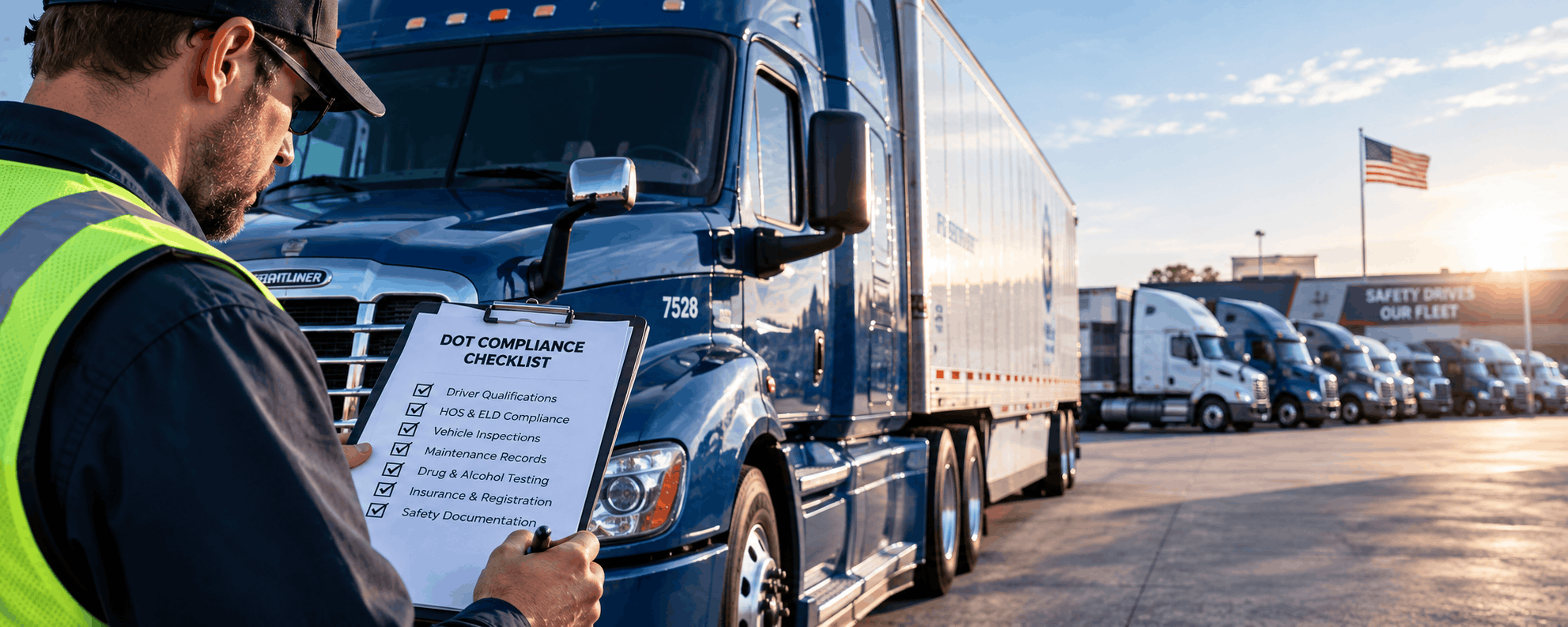
For fleets subject to Hours of Service requirements, ELD technology plays an important role in daily compliance management.
A digital system can help drivers record duty status while giving safety and compliance teams better visibility into available driving hours.
Fleet managers should regularly review:
| ELD / HOS Area | Why Review It |
|---|---|
| Driver logs | Verify duty-status records |
| Remaining driving time | Support realistic dispatch planning |
| Potential violations | Identify compliance risks early |
| Unassigned driving events | Ensure driving activity is correctly attributed |
| Log edits | Review changes made to driver records |
| Supporting documentation | Maintain compliance-related evidence |
| Driver certifications | Confirm logs are reviewed and certified |
Digital monitoring can make it easier to identify potential compliance problems before they become recurring issues.
It can also reduce the administrative burden associated with paper logs.
4. Replace Paper Inspections With Digital DVIRs
Vehicle inspections are another area where digital workflows can reduce paperwork.
Digital Driver Vehicle Inspection Reports allow drivers to record defects electronically and send the information directly to fleet or maintenance teams.
A digital DVIR process can help improve communication between drivers and technicians.
For example, when a driver reports a defect, the maintenance department can review the issue sooner instead of waiting for paperwork to reach the office.
A strong digital inspection workflow should support:
| DVIR Function | Purpose |
|---|---|
| Record defects | Document vehicle issues found during inspections |
| Attach notes or supporting information | Provide additional context for technicians |
| Track repair status | Monitor whether reported issues have been addressed |
| Maintain inspection history | Create a searchable record of inspections |
| Confirm corrective actions | Document completed repairs or follow-up steps |
A clear digital inspection workflow can help prevent small vehicle problems from becoming larger maintenance issues.
5. Move From Reactive to Preventive Maintenance
Unexpected breakdowns can create significant operational costs.
They can lead to towing expenses, missed deliveries, driver delays, emergency repairs, and customer dissatisfaction.
Digital fleet management can help fleets move toward preventive maintenance by tracking vehicle mileage, engine hours, service intervals, and maintenance history.
Common preventive maintenance reminders may include:
| Maintenance Activity | Why It Matters |
|---|---|
| Oil changes | Helps protect engine performance |
| Brake inspections | Supports vehicle safety |
| Tire rotations | Helps extend tire life and maintain even wear |
| Filter replacements | Supports vehicle and engine efficiency |
| Fluid checks | Helps identify potential mechanical issues |
| Preventive inspections | Detects problems before roadside failures occur |
| Scheduled component replacement | Helps replace wear items before failure |
The objective is to service vehicles before avoidable mechanical problems cause downtime.
Maintenance data can also help identify vehicles that require unusually frequent repairs.
6. Monitor Driver Safety With Telematics
Telematics systems can provide insight into driving behavior.
Depending on the technology being used, fleets may monitor:
| Driving Event | What It May Indicate |
|---|---|
| Harsh braking | Aggressive driving or a sudden road hazard |
| Rapid acceleration | Inefficient or aggressive driving |
| Speeding | Increased safety and compliance risk |
| Sharp cornering | Potentially unsafe vehicle handling |
| Excessive idling | Fuel waste and operational inefficiency |
| Sudden changes in vehicle movement | Possible safety event requiring review |
The value of this information comes from how fleets use it.
Safety data should support coaching, training, and risk reduction rather than simply generating alerts that nobody reviews.
Fleet managers can look for repeated patterns and use those insights to identify where additional driver training may be helpful.
7. Use Video Telematics for Greater Context
Vehicle data can show that an event occurred, but it may not always explain why.
Video telematics can provide additional context around safety events.
For example, camera footage may help safety managers understand whether sudden braking occurred because of risky driving or because another vehicle unexpectedly entered the lane.
Video telematics may support:
| Application | Benefit |
|---|---|
| Driver coaching | Provides visual examples for training |
| Incident review | Helps reconstruct what happened |
| Safety investigations | Adds context to telematics data |
| Insurance documentation | Provides supporting evidence when appropriate |
| Dispute resolution | Helps clarify conflicting accounts |
| Risk management | Helps identify recurring safety patterns |
The best results usually come when video data is combined with telematics information and a clear driver safety program.
8. Track Fuel Consumption and Idling
Fuel is one of the largest operating expenses for many fleets.
Even small improvements in fuel efficiency can become meaningful when applied across multiple vehicles.
Digital fleet tools can help managers monitor several factors that influence fuel consumption:
| Factor | Potential Impact |
|---|---|
| Excessive idling | Burns fuel without productive mileage |
| Speed | Higher speeds may increase fuel consumption |
| Route efficiency | Inefficient routing can increase mileage and fuel use |
| Driver behavior | Acceleration, braking, and idling patterns can affect MPG |
| Vehicle condition | Mechanical issues may reduce fuel efficiency |
| Fuel purchases | Helps compare transactions with vehicle activity |
| Unauthorized fuel activity | Can reveal unusual or potentially fraudulent purchases |
Fleet managers should compare fuel consumption across vehicles and identify unexpected changes.
A sudden decrease in fuel efficiency may indicate a mechanical problem, operational change, or driving behavior that requires attention.
9. Define the Right Fleet KPIs
Collecting data is only useful when fleets know which metrics matter.
Fleet managers should create a focused set of key performance indicators that reflect their operational goals.
| Fleet KPI | What It Measures |
|---|---|
| Cost per mile | Overall cost of operating the fleet per mile |
| Fuel cost per mile | Fuel expense relative to distance traveled |
| Miles per gallon | Vehicle fuel efficiency |
| Idle percentage | Share of operating time spent idling |
| Vehicle utilization | How effectively available vehicles are being used |
| Maintenance cost per vehicle | Repair and service expense by vehicle |
| Vehicle downtime | Time vehicles are unavailable for operation |
| Preventable safety events | Frequency of avoidable safety incidents |
| Hours of Service violations | Driver compliance performance |
| Inspection defect frequency | How often vehicle defects are reported |
| On-time delivery rate | Reliability of fleet delivery performance |
Not every fleet needs to monitor every metric.
The most useful KPIs are those that directly support operational decisions.
10. Automate Routine Fleet Tasks
Fleet teams often spend hours handling repetitive administrative work.
Automation can reduce the time required for routine activities.
| Automated Task | Potential Benefit |
|---|---|
| Maintenance reminders | Helps prevent overdue service |
| Compliance notifications | Flags important compliance events |
| Driver alerts | Communicates operational issues quickly |
| Inspection follow-ups | Helps teams track unresolved defects |
| Document expiration reminders | Reduces the risk of expired documents |
| Fuel reports | Simplifies routine fuel analysis |
| Safety event notifications | Helps managers respond to important events |
| Vehicle status updates | Improves visibility into fleet availability |
Automation allows fleet managers to focus more attention on exceptions and operational issues that require human judgment.
The goal is not to automate every process.
It is to reduce unnecessary manual work where technology can handle routine tasks reliably.
11. Connect Fleet Systems Through Integrations
Many fleets already use several digital platforms.
The problem occurs when these systems cannot communicate with each other.
Integrations can help connect data between fleet management tools, transportation systems, dispatch software, accounting platforms, fuel systems, and other business applications.
| Connected System | Potential Value |
|---|---|
| Fleet management platform | Centralizes vehicle and driver information |
| Transportation management system | Connects fleet operations with load planning |
| Dispatch software | Improves visibility into assignments and routes |
| Accounting platform | Helps reduce duplicate financial data entry |
| Fuel system | Connects fuel transactions with vehicle activity |
| Other business applications | Creates more consistent operational workflows |
Connected systems can reduce duplicate data entry and improve reporting accuracy.
When evaluating fleet technology, managers should consider whether the platform can integrate with the tools the company already uses.
12. Protect Fleet Data
As fleets become more digital, data security becomes increasingly important.
Fleet systems may contain sensitive operational information, including vehicle locations, driver information, company documents, and business activity.
Fleet managers should use basic cybersecurity practices:
| Security Practice | Purpose |
|---|---|
| Strong passwords | Reduces risk from weak credentials |
| Multi-factor authentication | Adds another layer of account protection |
| User access controls | Limits access based on job responsibilities |
| Regular account reviews | Helps identify outdated or unnecessary access |
| Software updates | Addresses security and performance issues |
| Employee cybersecurity training | Reduces risk caused by human error |
| Secure data sharing procedures | Protects sensitive information when it is exchanged |
Access should also be limited according to job responsibilities.
Drivers, dispatchers, safety managers, maintenance teams, and administrators may require different levels of access.
13. Create Clear Workflows for Drivers
Technology is only effective when drivers understand how to use it.
Complicated systems can create frustration, incorrect data entry, and additional work for both drivers and office staff.
Fleet managers should provide clear instructions for common workflows:
| Driver Workflow | Training Objective |
|---|---|
| Logging into an ELD | Ensure drivers can access the system correctly |
| Changing duty status | Improve HOS record accuracy |
| Certifying logs | Ensure records are reviewed and completed |
| Completing inspections | Standardize DVIR procedures |
| Reporting defects | Help maintenance teams receive useful information |
| Reviewing alerts | Ensure drivers understand important notifications |
| Uploading documents | Standardize digital documentation |
| Communicating with dispatch | Improve information flow between road and office teams |
Training should also be updated whenever new technology or processes are introduced.
A simpler workflow usually improves adoption and data quality.
14. Review Fleet Performance Regularly
Digital fleet management should not be treated as a one-time technology project.
Fleet managers should periodically review performance data and look for trends.
A monthly review might include:
| Performance Area | What to Review |
|---|---|
| Fuel efficiency | MPG trends and fuel consumption |
| Idle time | Excessive or changing idle patterns |
| Driver safety events | Frequency and type of safety events |
| Vehicle downtime | Time lost because vehicles are unavailable |
| Maintenance expenses | Changes in repair and service costs |
| Utilization | Whether vehicles are being used effectively |
| Compliance issues | HOS or other compliance concerns |
| Inspection defects | Recurring mechanical or safety problems |
| Operating cost per mile | Changes in overall fleet cost efficiency |
Managers can then compare results with previous periods and determine whether operational changes are producing measurable improvements.
Digital Fleet Management Checklist
Fleet managers can use the following checklist as a starting point when reviewing their digital operations:
| Status | Digital Fleet Management Capability |
|---|---|
| ☐ | ELD and Hours of Service monitoring |
| ☐ | Real-time GPS vehicle tracking |
| ☐ | Asset tracking |
| ☐ | Digital DVIRs |
| ☐ | Preventive maintenance reminders |
| ☐ | Vehicle maintenance history |
| ☐ | Fuel consumption monitoring |
| ☐ | Idle-time tracking |
| ☐ | Video telematics |
| ☐ | Driver safety monitoring |
| ☐ | IFTA reporting |
| ☐ | Fleet KPI dashboards |
| ☐ | Automated alerts |
| ☐ | System integrations |
| ☐ | User access controls |
| ☐ | Driver training |
| ☐ | Monthly fleet performance reviews |
A fleet does not need to implement every technology at once.
The best approach is often to identify the largest operational challenges first and introduce digital tools that solve specific problems.
How EZLOGZ Supports Digital Fleet Management
Modern fleets need more than isolated applications.
They need connected tools that make it easier to manage drivers, vehicles, compliance, safety, and operational data.
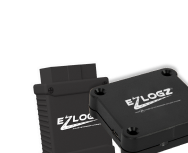
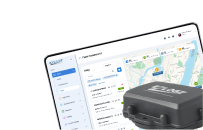
EZLOGZ provides fleet technology designed to support multiple areas of commercial fleet operations, including ELD compliance, GPS tracking, fleet monitoring, electronic vehicle inspections, video telematics, fuel-related workflows, IFTA reporting, and asset visibility.
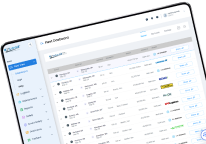
By connecting operational information within a digital ecosystem, fleets can reduce manual processes and gain a clearer picture of what is happening across their vehicles and drivers.
For fleet managers, this means spending less time searching through disconnected records and more time using data to improve operations.
Final Thoughts
Digital fleet management is not simply about adding more technology.
It is about creating better visibility and more efficient workflows across the entire fleet.
When ELD data, GPS information, inspections, maintenance records, fuel activity, safety events, and performance metrics are easier to access and understand, fleet managers can make more informed decisions.
Start with the areas creating the most operational friction.
Then build a digital fleet management system that helps your team reduce paperwork, improve compliance, manage costs, protect assets, and keep vehicles operating efficiently.
As the fleet grows, a connected digital foundation can make it easier to manage increasing operational complexity.
FAQ:
What is digital fleet management?
Digital fleet management is the use of connected software, telematics, GPS tracking, ELDs, digital inspections, maintenance tools, and analytics to manage vehicles, drivers, assets, compliance, and fleet performance.
What technology does a digital fleet need?
The exact technology depends on the fleet, but common tools include ELDs, GPS tracking, telematics, digital DVIRs, maintenance software, video telematics, fuel monitoring, asset tracking, and fleet analytics.
How can digital fleet management reduce operating costs?
Digital fleet tools can help identify excessive idling, inefficient routes, unnecessary vehicle use, maintenance problems, fuel waste, and administrative inefficiencies. Addressing these issues may help fleets control operating costs.
What fleet management KPIs should I track?
Common fleet KPIs include cost per mile, fuel economy, idle percentage, vehicle utilization, maintenance cost, downtime, safety events, Hours of Service violations, and inspection defect rates.
Can GPS and ELD data be managed together?
Many modern fleet platforms can combine or integrate GPS and ELD information, allowing managers to review vehicle locations alongside driver and compliance data.
How should a fleet transition from manual to digital management?
Start by identifying the most time-consuming or costly manual processes. Digitize those workflows first, train employees, monitor results, and gradually connect additional systems as operational needs evolve.
Ready to Build a More Connected Fleet?
EZLOGZ helps commercial fleets bring critical operations into a more connected digital environment.
From ELD compliance and GPS tracking to vehicle inspections, safety monitoring, asset visibility, and fleet data, EZLOGZ gives fleet managers tools to manage daily operations with greater visibility.
Explore EZLOGZ fleet management solutions and discover how connected technology can help simplify your fleet operations.